How to Run a Home Poker League
A home poker league turns a casual game into a season. The fun comes from standings, rivalries, finals, and stories that carry from one night to the next. ThePokerPlanner helps hosts track members, events, points, payments, guest players, and results without living in a spreadsheet.
Pick a scoring system players understand
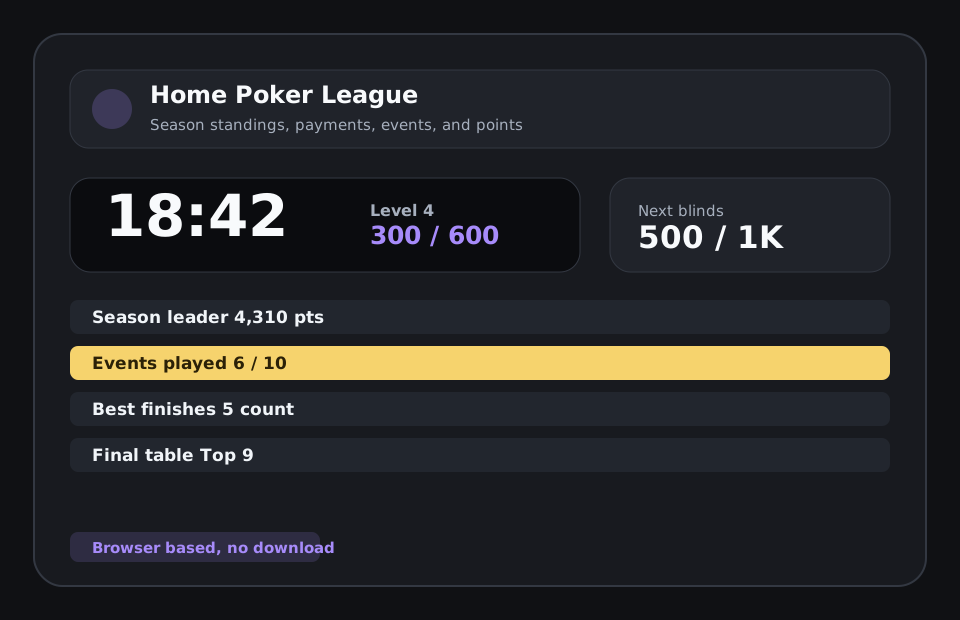
League points should reward showing up, finishing well, and staying engaged through the season. Complicated formulas can work, but they need to be visible and consistent. ThePokerPlanner supports point charts, show-up bonuses, best-finish counts, and standings so the rules are easier to explain.
Schedule events around the group
A poker league needs predictable dates and clear communication. Hosts should know who has RSVPed, and whether guest players are allowed. ThePokerPlanner gives leagues a structured home for seasons, events, members, and player status.
Track payments without awkward side notes
League fees, event fees, and other balances are easy to lose when they live in text messages. ThePokerPlanner keeps league payment tracking near the schedule and standings so the host can follow up cleanly and avoid repeated bookkeeping.
Make the final table feel earned
Many leagues build toward a championship night or final table. ThePokerPlanner supports season history and final-table setup so recurring groups can turn weekly results into a bigger story instead of resetting the slate every game.
Related poker tournament tools and guides
FAQ
Is ThePokerPlanner free to use?
All features are free during the beta and a free model will always be available. Hosts can create groups, build tournaments, run the clock, use the TV board, track players, and use the core planning tools.
Can I use it for a casual home poker game?
Yes. The tool is designed for home poker tournaments first, with simple setup for buy-ins, blinds, breaks, seats, rebuys, add-ons, payouts, and player check-in.
Does the poker timer work on a TV?
Yes. ThePokerPlanner includes a TV-friendly tournament clock that can be opened on a shared screen so players can see the current level, next blinds, and timer.
Do players need to download an app?
No. ThePokerPlanner runs in the browser. Players can use links or QR codes to view lobby information, check in, and follow tournament status without installing anything.
What is a good point system for a home poker league?
A good system is easy to explain, rewards attendance, gives meaningful points for high finishes, and does not make one early win impossible to catch.
Can guest players join a league event?
Yes. ThePokerPlanner supports guest-player workflows so a league can include substitutes or new players without breaking season tracking.